Websites
What a Contractor Website Needs to Turn Visitors Into Calls
Nine fixes that make a contractor website produce calls: phone number, clear headline, service pages, proof, short forms and speed.
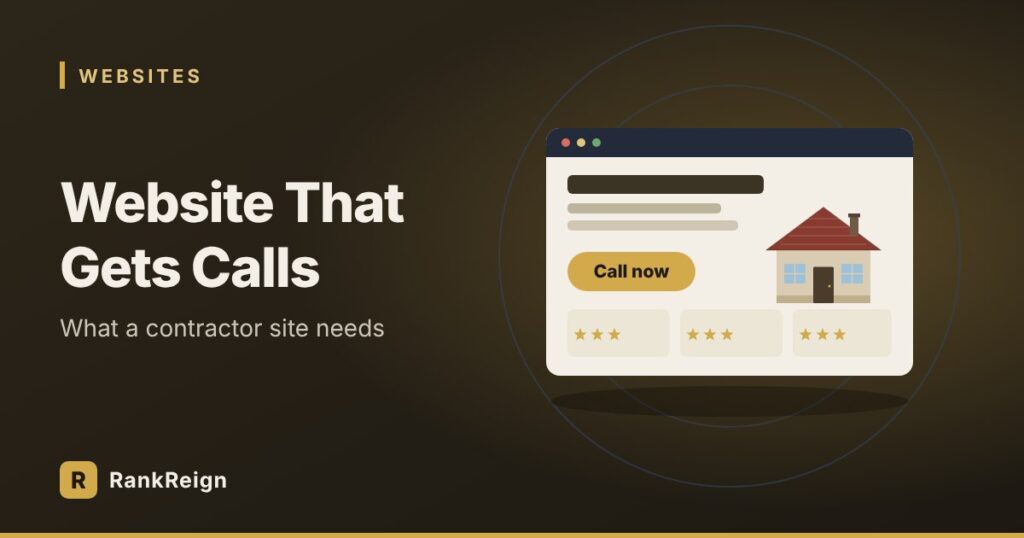
A contractor website turns visitors into calls when a worried homeowner can answer three questions in under ten seconds: what do you do, do you work in my area, and how do I reach you right now? Everything else on the page supports one of those three answers.
Most contractor sites fail on the basics. The phone number is hidden, the page takes too long to load on a phone, the services are buried on one page and the proof is stock photos. This guide shows what a website needs to convert, in the order we would fix it.
In short
- Conversion rates vary widely by trade. WebFX’s 2026 benchmarks put the average at 7.8%, with plumbing and pest control at 12 to 15% and roofing, HVAC and remodeling at 3 to 7%.
- Unbounce’s 2024 Conversion Benchmark Report found a median conversion rate of 2.6% across 4,372 home improvement landing pages, with the top quarter reaching 19.5%. Home services pages did better than renovation pages.
- Speed matters. Google’s Core Web Vitals “good” thresholds are a largest contentful paint of 2.5 seconds or less, interaction to next paint of 200 milliseconds or less and cumulative layout shift of 0.1 or less, measured at the 75th percentile of visits.
- Trust decides who gets the call. In BrightLocal’s 2026 survey, 68% of consumers require at least 4 stars and 47% will not consider a business with fewer than 20 reviews.
- A website cannot be judged without tracking. Count calls, forms and booked jobs by source.
Sources: WebFX home services marketing benchmarks, Unbounce home improvement benchmarks, Google web.dev Core Web Vitals and BrightLocal Local Consumer Review Survey 2026.
What the website is for
A contractor website has one job: make it easy for the right homeowner to contact you. It is not a brochure, an art project or a place to list every certificate you own. It is a sales tool that works at 9pm on a phone.
Before changing anything, decide what a “win” is. For most contractors there are three:
- A phone call from a mobile visitor
- A form or text from a visitor who does not want to talk yet
- A booked estimate or inspection
Everything on the site should push toward one of these.
Fix 1: Make the phone number impossible to miss
Most homeowners visit on a phone, and many are in a hurry. Put a tap-to-call button in the header and keep it visible as they scroll. Show the number as text too, so people on desktop can read it.
- Use a tap-to-call link on every page
- Add a sticky call bar on mobile
- Show your hours and say if you take emergency calls
- Use a tracked number, so you know which calls came from the website
If you run paid ads, Google’s call tracking options matter here. We cover them in call tracking for contractors.
Fix 2: Say what you do, where and for whom, above the fold
The first screen should answer the three questions. A weak headline says “Quality service you can trust”. A strong headline says “Roof repair and replacement in Austin, TX. Free inspections. Call today.”
Include:
- Your trade and main services
- The towns you serve
- A clear call to action
- One strong proof point, such as years in business, a rating or a licence
Skip the slider, the video that autoplays and the long intro paragraph.
Fix 3: Build one page per service
A single “Services” page cannot rank for ten different searches or answer ten different questions. Whitespark’s 2026 survey, as summarised by Harmo, ranked a dedicated page for each service first for regular local results.
Each service page should include:
- What the service is and who it is for
- What affects the price
- How the process works, step by step
- How long it usually takes
- Real photos of your work
- A short form and a call button
- Answers to common questions
Fix 4: Show proof, not claims
Homeowners are afraid of picking a bad contractor. Replace claims such as “the best” with things they can check.
| Weak | Strong |
|---|---|
| “We are the best in town” | A rating and review count with a link to Google |
| Stock photos of smiling workers | Photos of your crew and finished jobs |
| “Fully licensed” with no number | Your licence number and insurance details |
| “Years of experience” | The year you started and the number of jobs completed |
| A list of certificates | The two certificates that matter, with a one-line explanation |
See how many reviews contractors need for the review process.
Fix 5: Make forms short
Every extra field loses some enquiries. For most contractors, a good first form asks for name, phone, town and what they need. Add a short optional message box. If you must qualify leads, use two or three simple questions, not ten.
After they submit, tell them what happens next: “We will call you within 15 minutes during business hours.” Then do it. Speed matters more than the form design, as we explain in speed to lead.
Fix 6: Make it fast on a phone
Page speed affects both rankings and patience. Google’s Core Web Vitals give clear targets: a largest contentful paint of 2.5 seconds or less, interaction to next paint of 200 milliseconds or less and cumulative layout shift of 0.1 or less.
Figures cited by WebFX suggest slow pages lose visitors: one Pingdom figure shows about 9% bounce for pages loading in one to two seconds and about 38% for five seconds, and Unbounce data indicates more than half of visitors leave after three seconds. WebFX does not state the year for these figures, so treat them as directional.
Practical fixes:
- Compress and resize images, especially the hero image
- Use modern image formats and lazy-load images below the fold
- Remove plugins and scripts you do not use
- Use caching and a good host
- Test on a real phone on mobile data, not just on office Wi-Fi
Fix 7: Make local trust signals obvious
Your site should confirm you are a real local business.
- Your address or service area, shown clearly
- A map or list of towns
- Photos of your vehicles, uniforms and team
- A short “about” section with the owner’s name and photo
- Links to your Google reviews and Google Business Profile
- Business details that match your profile exactly
Keep your name, address and phone number identical everywhere. See our Google Business Profile guide.
Fix 8: Add structured answers for AI and search
Homeowners now ask AI tools local questions. In BrightLocal’s 2026 survey, 45% of consumers said they use AI tools for local business discovery. Clear, direct answers on your pages, with consistent business details, help both search engines and AI tools describe you correctly. A short “What is X?” paragraph at the top of each service page, followed by details, works well.
Fix 9: Track what the site produces
If you do not track calls and forms, you cannot tell whether the site works. Set up:
- Call tracking for the website number
- Form and click tracking in your analytics
- Source tracking so you can see which channel sent each enquiry
- A monthly count of booked jobs from each source
Useful metrics:
| Metric | What it tells you |
|---|---|
| Visitors by source | Where traffic comes from |
| Calls and forms | How many people take action |
| Conversion rate | Share of visitors who act |
| Booked jobs | What actually pays |
| Cost per booked job | Whether marketing is worth it |
A quick audit you can do in 15 minutes
- Open your site on your phone, on mobile data.
- Can you see a phone number in three seconds?
- Can you tell what you do and where, without scrolling?
- Does each main service have its own page?
- Is there a rating, a licence or real photos on the first screen?
- Does the form have five fields or fewer?
- Does the page load in about three seconds?
Every “no” is a leak.
Common mistakes
- No clear call to action. Visitors do not know what to do.
- Hiding the phone number.
- One page for every service.
- Stock photos only.
- Long forms.
- Slow mobile pages.
- No tracking. You cannot improve what you cannot measure.
A 30-day plan
- Week 1: fix the header, add a sticky call button and set up call and form tracking.
- Week 2: rewrite the top of your home page and your main service pages.
- Week 3: add real photos, reviews and licence details.
- Week 4: test speed on mobile, shorten forms and review your first month of numbers.
Next step
If you want a website built to produce calls and tracked from day one, see our contractor websites service, or talk to us.
Frequently Asked Questions
What should a contractor website include?
A visible tap-to-call button, a clear headline on trade and area, one page per service, real photos and reviews, licence and insurance proof, a short form and fast mobile loading.
What is a good conversion rate for a contractor website?
It varies by trade. WebFX’s 2026 benchmarks put the average at 7.8%, with plumbing and pest control at 12 to 15% and roofing, HVAC and remodeling at 3 to 7%.
How fast should a contractor website load?
Aim for Google’s Core Web Vitals good thresholds: largest contentful paint of 2.5 seconds or less, interaction to next paint of 200 milliseconds or less and layout shift of 0.1 or less.
Keep Reading

Best CRM for Contractors: What to Look For Before You Buy
What a contractor CRM must do, the ten features to check, questions for vendors and a 30-day setup plan.

Call Tracking for Contractors: Know Which Marketing Brings Jobs
How contractors track calls with Google's tools or a call tracking service, what to record and how to judge sources by cost per booked job.
Landing Pages for Contractors: A Step-by-Step Build Guide
Build a contractor landing page that converts: one offer, message match, a short form, proof, speed and tracking, with a pre-launch checklist.
Ready to Own Your Market?
Book a strategy call. We will look at how enquiries reach your business today and where the system leaks, then give you a straight recommendation.